
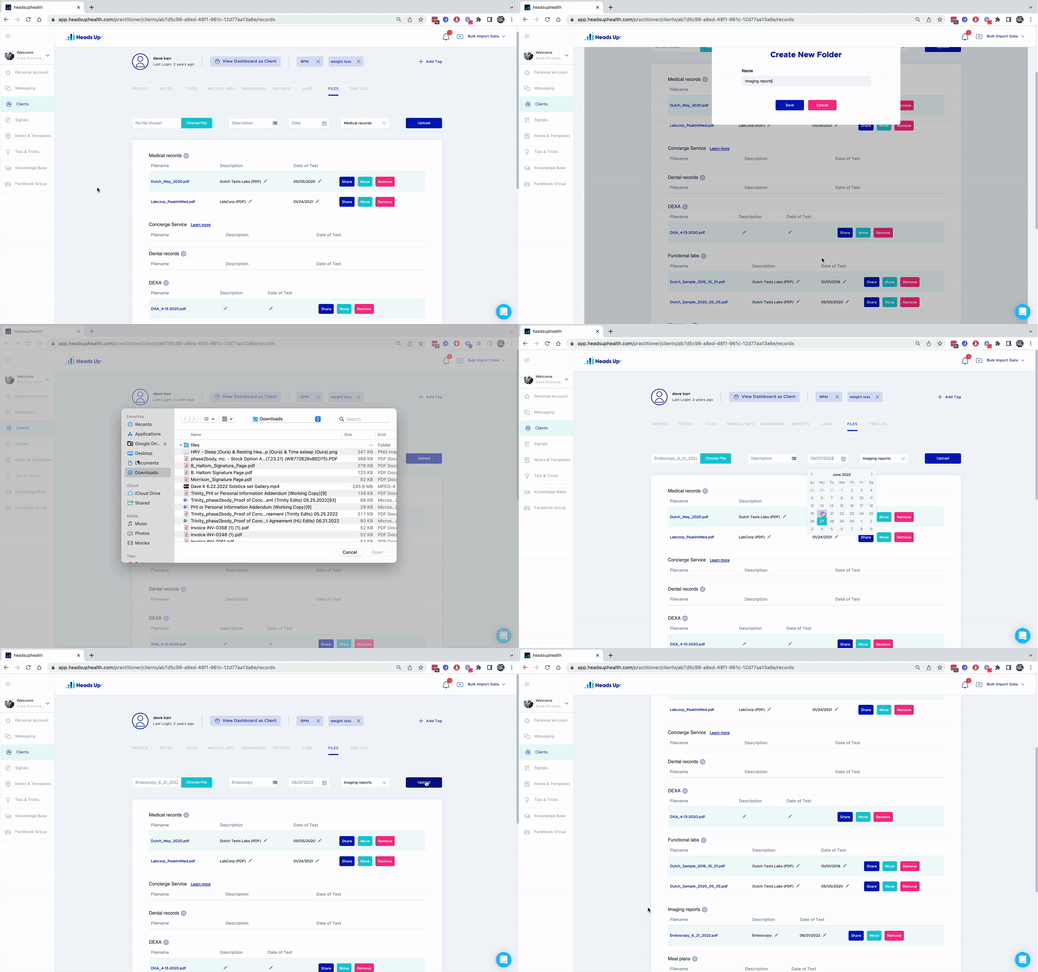
Staying organized is important for every business to stay efficient, effective, and operate smoothly. It’s even more important for health based businesses!
That’s why many of our power users at Heads Up love the client file repository. Keeping digital unstructured files organized, labeled, and easy to access makes client consultations is a breeze.
In the file repository, easily organize
- Images
- Lab Tests
- Meal Plans
- Exercise Regiment
- Health Protocols
- AND MORE!
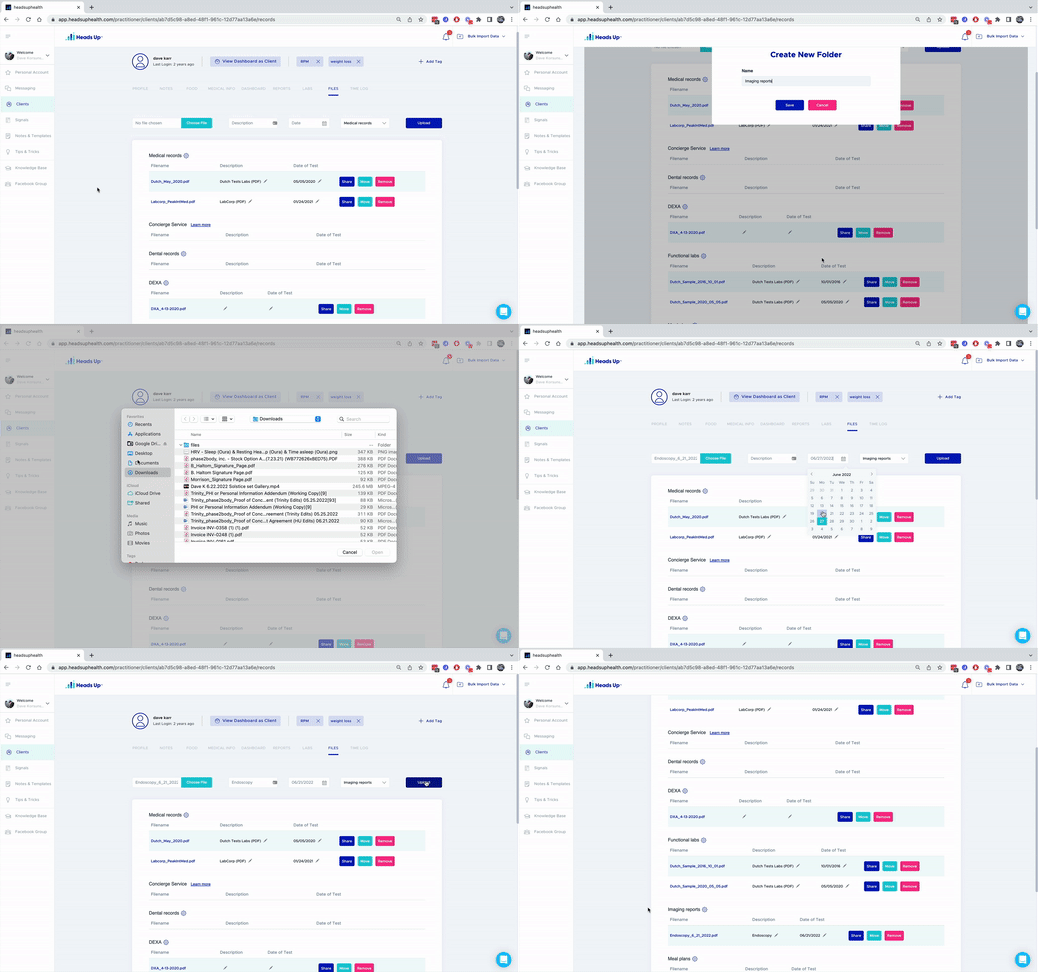
Easy access to secured health documents by your organization and patients.
Heads Up – making your life easier and your patients healthier.
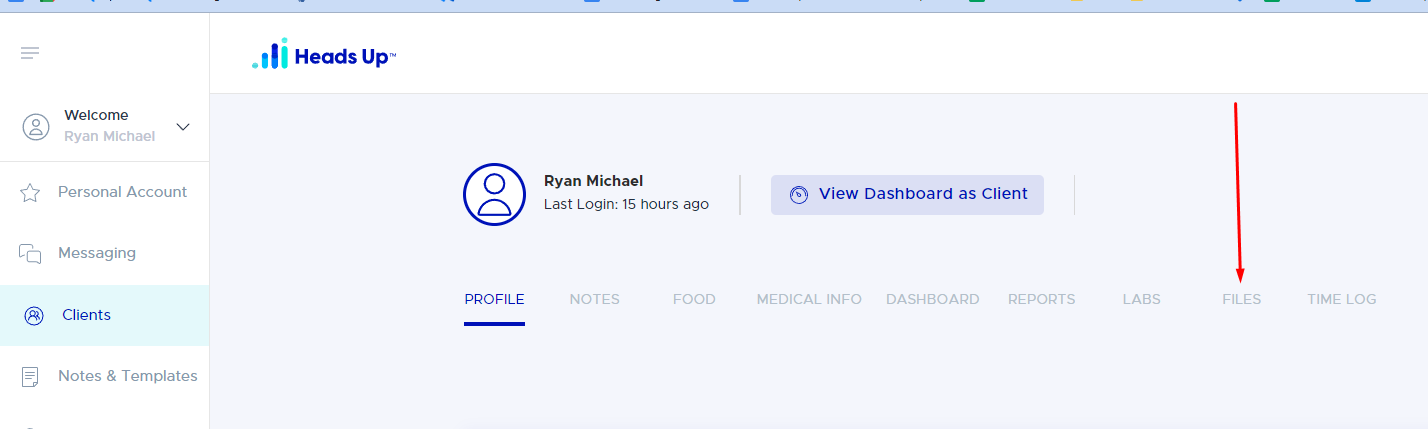
To start uploading files, login to heads up health account and navigate to the client you want to upload files to, then click on files.
If you don’t have a Heads Up account yet, sign up for a Free Sprout Plan to test it out.
Let us know if you have any questions, comments, or compliments!